Your PDF menu, live on the website and updated centrally
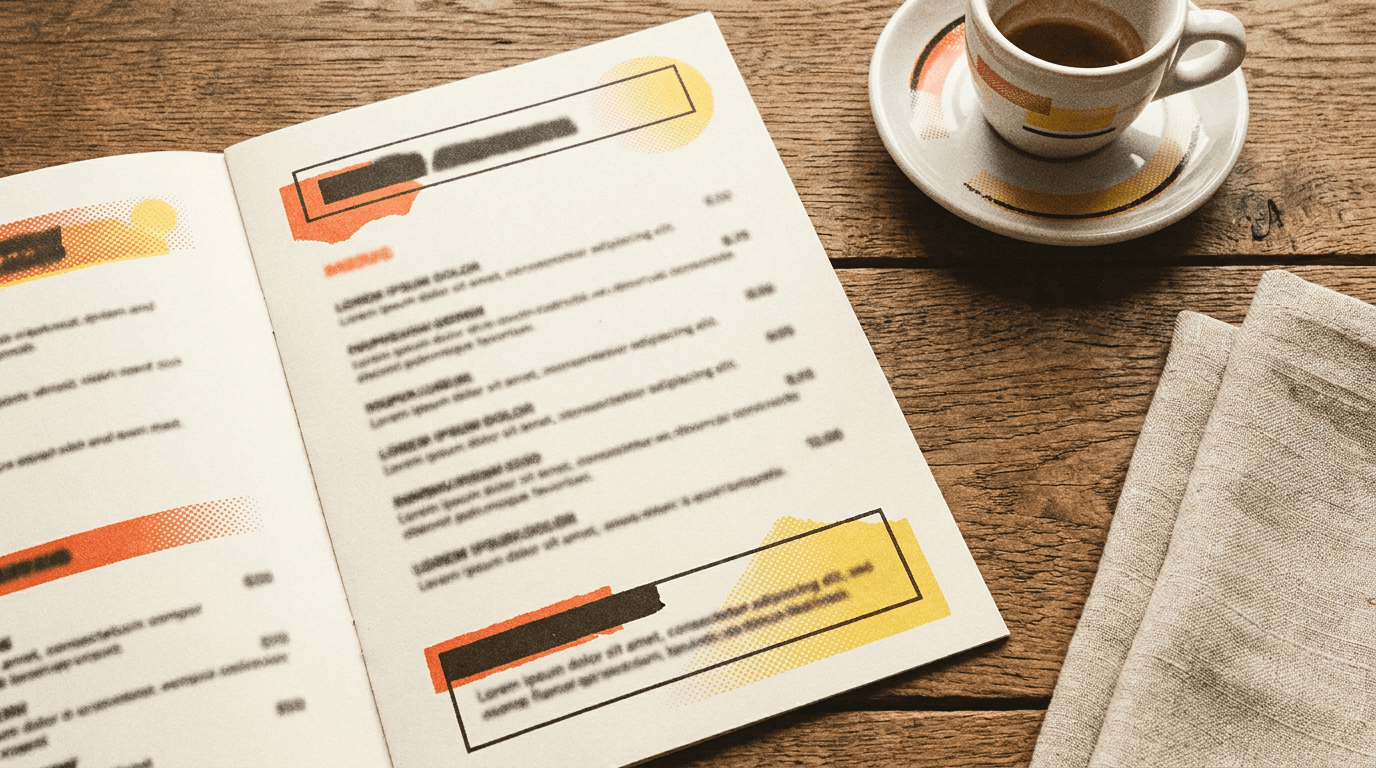
Upload your menu PDF once. Foldout renders it as a fast, swipeable mobile viewer on your site. Change the menu in the dashboard and new page views update within a minute. No static embeds or re-uploading to the website.
Dinner menu
Updated todayFrom PDF to live menu in three steps
Upload your PDF
Drop your existing menu PDF into the Foldout dashboard. No reformatting, no rebuild.
It renders beautifully
Foldout turns it into a fast, swipeable viewer that reads cleanly on every screen size.
Update any time
New menu? Upload it once in the dashboard. New page views update within a minute.
A menu widget made for hospitality, with core data hosted in the EU
EU data hosting
Core application and enquiry data is stored in Supabase's Ireland region, with subprocessors disclosed in our DPA.
GDPR-first by design
Built for UK hospitality from day one. Consent, retention and data rights handled properly.
Encrypted end to end
Encrypted in transit and at rest. The widget adds no tracking pixels to your site, and we never sell your data.
Works with any builder
WordPress, Webflow, Squarespace, Wix, Elementor, Shopify, GoDaddy or custom HTML.
PDF menu widget questions
How do I embed a PDF menu on my website?
Upload your menu PDF to the Foldout dashboard and add one script tag to your website. Foldout renders the PDF as a fast, swipeable mobile viewer on your page. No plugins, no static file links, no re-uploading to the website itself.
Can I update the menu without touching the website?
Yes, that's the point. When the menu changes, upload a new PDF in the dashboard. New page views pick it up within a minute, without a website login or agency file swap.
Does the PDF menu work on mobile?
It's mobile-first. Foldout renders your PDF as a responsive, swipeable viewer that reads cleanly on phones, tablets and desktop, far better than a download link or an embedded file that forces pinch-zooming.
Which website builders does the PDF menu widget work with?
Any builder that lets you add a script tag: WordPress, Webflow, Squarespace, Wix, Elementor, Shopify, GoDaddy and custom HTML sites.
Can a bar or pub use the menu widget too?
Absolutely. Drinks lists, specials boards, food menus, seasonal sheets: anything you keep as a PDF can go live on a bar or pub website the same way, and update the same way.
Other venue widgets and the guides behind them
Put your menu live in minutes
Start on the free plan. Import your first menu in minutes. No card required.
Sign up free