Announcements
Announcement banners
Banners and popups with scheduled live windows. Set it Friday, it appears Monday, gone by itself Wednesday. Quiet, urgent or good-news tones, dismissible.
Every widget, one script tag, one managed dashboard. Built specifically for restaurants, bars, pubs and hotels.
See the widgets running live on a real page, no signup.
Your opening hours change: bank holidays, seasonal shutdowns, one-off closures. Right now your website probably shows hours that are wrong. Foldout fixes that.
Update your hours in the dashboard and new page views pick them up within a minute. No emailing the web agency, no logging into the CMS, no waiting.
Opening hours
Going deeper on hours? Restaurant menu widget, How to add opening hours to a restaurant website and Updating a pub website's opening times without a developer.
Menu
Updated today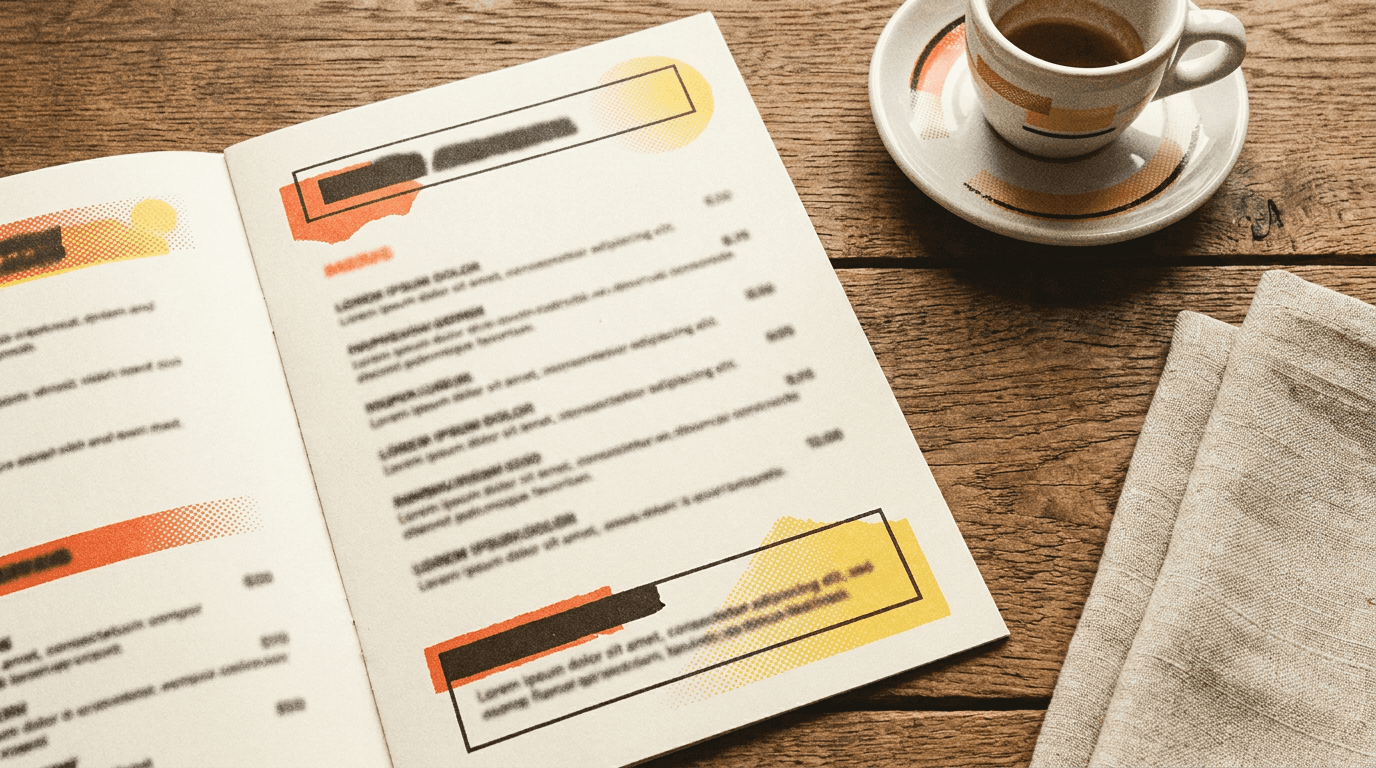
The standard approach, linking to a PDF file, means every menu update requires someone to log into the website and replace the file. Foldout makes it a dashboard upload. The widget on the site updates automatically.
Foldout renders your PDF as a responsive, mobile-optimised widget. No pinch-zoom horror. No “open in new tab”. Just a clean menu that works on every device.
Going deeper on menus? PDF menu widget, How to embed a menu on a restaurant website and Why your restaurant website is not showing the menu.
Private dining enquiries, table bookings, event hire, Christmas party requests. Foldout gives you a form builder that puts branded, venue-specific forms directly on your website.
Enquiries are routed to your configured inbox without a separate form platform. The forms match your brand, not Foldout's.
Private dining enquiry
Going deeper on enquiries? Live opening hours widget and Foldout for agencies managing client venue sites.
Announcements, venue info, private dining, events, structured menus, specials and dynamic QR codes, all live from the same dashboard and script tag.
Banners and popups with scheduled live windows. Set it Friday, it appears Monday, gone by itself Wednesday. Quiet, urgent or good-news tones, dismissible.
Address, phone, directions, parking and accessibility, with a live open or closed line derived from the venue's actual hours. One source of truth.
Spaces with capacities, a downloadable pack document, and a routed enquiry form, all in one widget on the venue's own page.
Publish upcoming events with dates, descriptions and ticket links, while expired events leave the live list automatically.
Serve searchable menu sections and items as native page content, with an optional downloadable menu alongside them.
Show time-bound offers with clear dates and calls to action without rebuilding a page or leaving stale promotions behind.
A styled code that encodes a stable short link, so you can repoint where it goes from the dashboard without reprinting a single table tent.
Every widget reads the host page's fonts, colours and light or dark scheme at the exact spot it's dropped into. A widget in a dark footer styles itself for the dark footer, not the light header. No setup.
And you can override all of it. Every widget has an appearance panel covering accent, text, background and button colours, fonts and corner radius, with a live preview as you pick. Custom CSS for agencies that want pixel control.
Matches your site automatically
Fonts, colours and dark/light read from the host page.
Full appearance panel
Override colours, fonts and radius with a live preview.
Install verification
Paste the page URL. Foldout confirms the snippet is live and tells you exactly what's missing if not.
Published changes reach new page views within a minute and untouched open widgets within two. No CMS republishing.
Every widget is designed and browser-tested for phones, tablets and desktop screens.
Widgets load published config from Foldout's edge network. Untouched open widgets recheck automatically; interacted widgets preserve visitor state until reload.
A PDF menu widget embeds your restaurant menu directly on your website, rendered from a PDF you upload. Unlike a static file link, it displays beautifully on any screen: desktop, tablet, mobile. Upload a replacement and new page views pick it up within a minute, without touching any code.
You set your regular hours in the Foldout dashboard: Monday–Sunday, plus any special closures, bank holidays or seasonal changes. Published changes normally reach new page views within a minute and untouched open widgets within two minutes. A widget someone is using keeps its current state until reload.
Yes. Foldout works on any website that lets you add a script tag to the page: WordPress, Webflow, Squarespace, Wix, Elementor, Shopify, GoDaddy and custom HTML sites. If your CMS lets you edit the page head or add HTML, Foldout works.
No. When you publish a change, new page views normally update within a minute and untouched open widgets within two. No customer action or CMS republish is needed.
Yes. Venue covers a single venue, Group covers up to ten venues under one operator team, and Agency covers unlimited venues with the portfolio scoping and roles needed to keep separate client businesses apart.
No. Foldout adds functionality to your existing website. It doesn't replace it. Your website stays exactly as it is; Foldout's script tag adds live, manageable widgets to specific pages.
Start on the free plan. No card required. Upgrade in the dashboard when you outgrow it.
Sign up free