Live hospitality widgets for your Webflow site
Opening hours, PDF menus and enquiry forms for a Webflow restaurant or bar, added with an Embed element and managed from the Foldout dashboard, so the operational content stays editable after handover.
Free plan · No card required · One script tag
Agencies love Webflow for the design control, but it leaves the operational pieces as custom work: a live hours block, a real PDF menu viewer, a routed enquiry form. Foldout drops all three in through Webflow's Embed element, so your client can keep them current without ever opening the Designer.
Managing client sites rather than your own? Foldout for agencies managing client venue sites.
How to add widgets to a Webflow site
Add the script tag in site settings
In Project Settings → Custom Code, paste the Foldout snippet into the Head Code so it loads across the published site.
Place an Embed element
In the Webflow Designer, add an Embed element where the widget should appear and paste the Foldout embed code for hours, menu or forms. Style the surrounding section as normal.
Publish, then manage from the dashboard
Publish once. From then on, hours, menus and forms are edited in Foldout and update live. No re-publishing the Webflow site for routine changes.
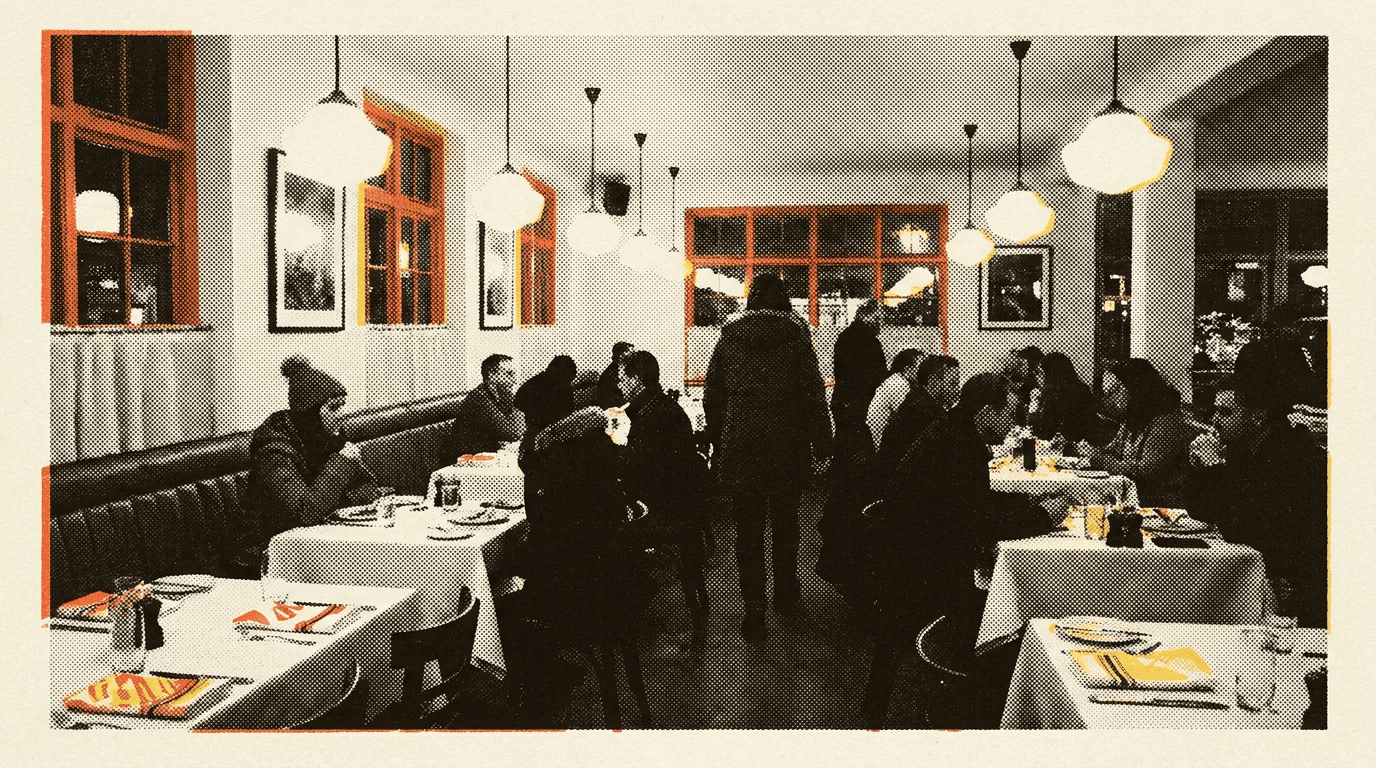
A hospitality widget set made for Webflow, with core data hosted in the EU
EU data hosting
Core application and enquiry data is stored in Supabase's Ireland region, with subprocessors disclosed in our DPA.
GDPR-first by design
Built for UK hospitality from day one. Consent, retention and data rights handled properly.
Encrypted end to end
Encrypted in transit and at rest. The widget adds no tracking pixels to your site, and we never sell your data.
Works with any builder
WordPress, Webflow, Squarespace, Wix, Elementor, Shopify, GoDaddy or custom HTML.
Questions about Foldout on Webflow
How do I add a widget to a Webflow site?
Add the Foldout script tag once in Project Settings → Custom Code (Head), then place an Embed element on the page and paste the widget's embed snippet into it. The widget renders inside that element.
Do I need to re-publish Webflow when content changes?
No. You only publish once to add the embed. After that, hours, menus and form changes happen in the Foldout dashboard and appear on the live site without re-publishing in Webflow.
Does the free Webflow plan support custom code?
Custom code and the Embed element require a paid Webflow Site plan. Once you're on a paid plan, Foldout works through Webflow's standard embed tools.
Will the widgets match my Webflow design?
Yes. Widgets inherit your site's fonts and colours and can be fine-tuned with an appearance panel and custom CSS, so they sit cleanly inside a Webflow-built layout.
Can clients update content without Webflow access?
Yes, that's the point for agencies. Clients manage hours, menus and forms from the Foldout dashboard and never need access to your Webflow project.
Foldout installs the same way everywhere
Read before you install
Add live widgets to your Webflow site
Start on the free plan. No card required. Upgrade in the dashboard when you need more venues.
Sign up free